
If you are experiencing no sound or audio while playing on iOS, this may be caused by your device's silent switch being enabled.
To resolve this:
- On iPhone please ensure the silent switch on the left side of your iPhone is turned off (no orange indicator visible). Some games require this switch to be in the ring/sound-on position in order for audio to play correctly.
- On devices without the silent switch, you can access this setting via the Control Center by swiping down from the top-right corner of the screen:
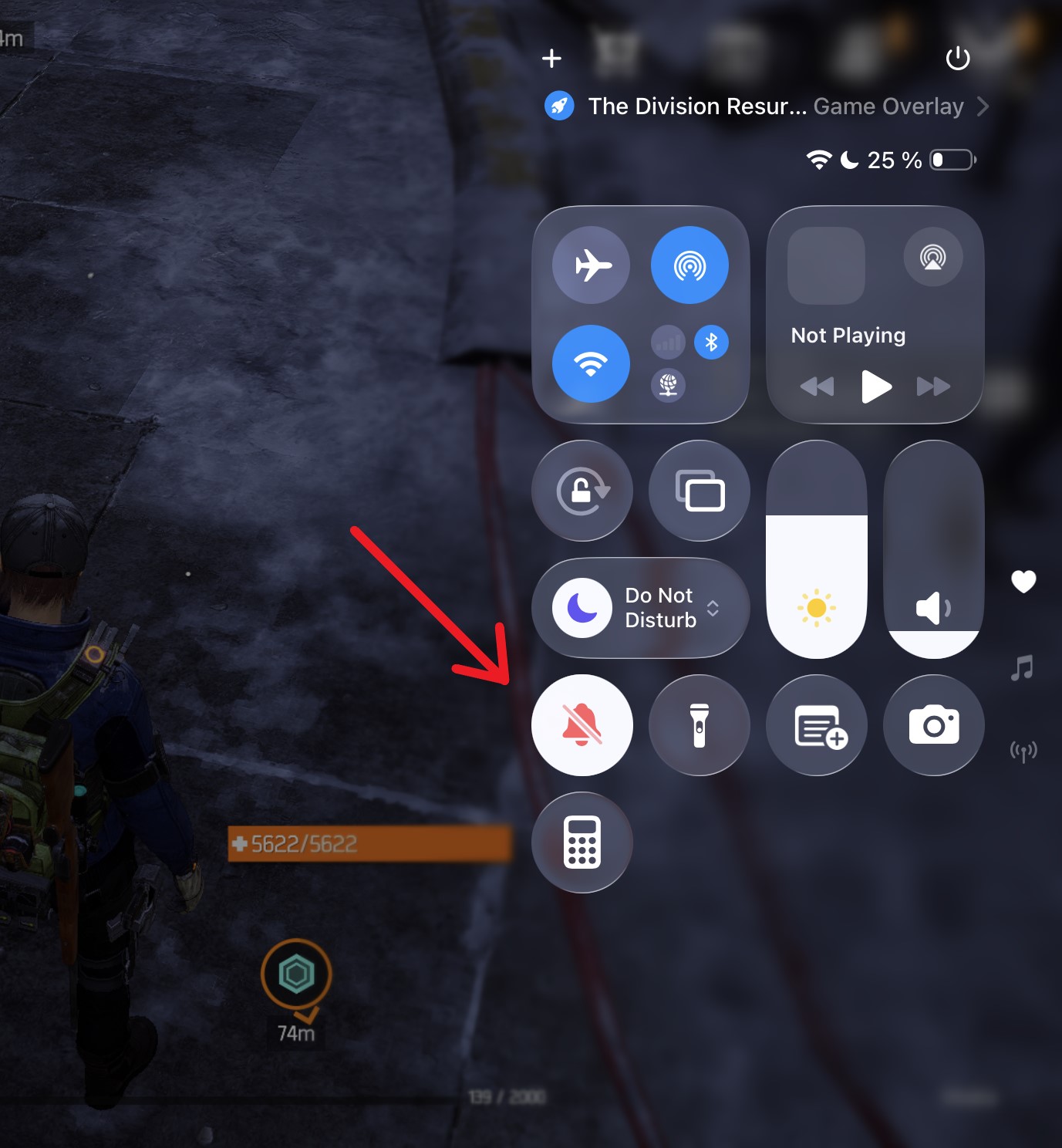
If the issue persists after following these steps, please contact our support team so we can investigate further.